I still remember
(fondly)
when I connected an HDMI cable
from my laptop to the Smart TV..
Those were the days!
But life goes on...
Leave your movies on the laptop. The TV only needs to find them.
1. Open Emby in a browser on the laptop. Check that your movies appear.
2. Find the Emby app in your Samsung's app store and install it, if it's available for your model.
3. Connect the TV and laptop to the same home network. Open the app, choose the laptop and log in with your user.
If the laptop doesn't appear, you can type the local address shown by Emby Server into the app.
The laptop has to stay on. If a Premiere offer appears, check whether you can skip it and carry on.
And the HDMI cable... into the drawer.
That's the basic connection to your Samsung.
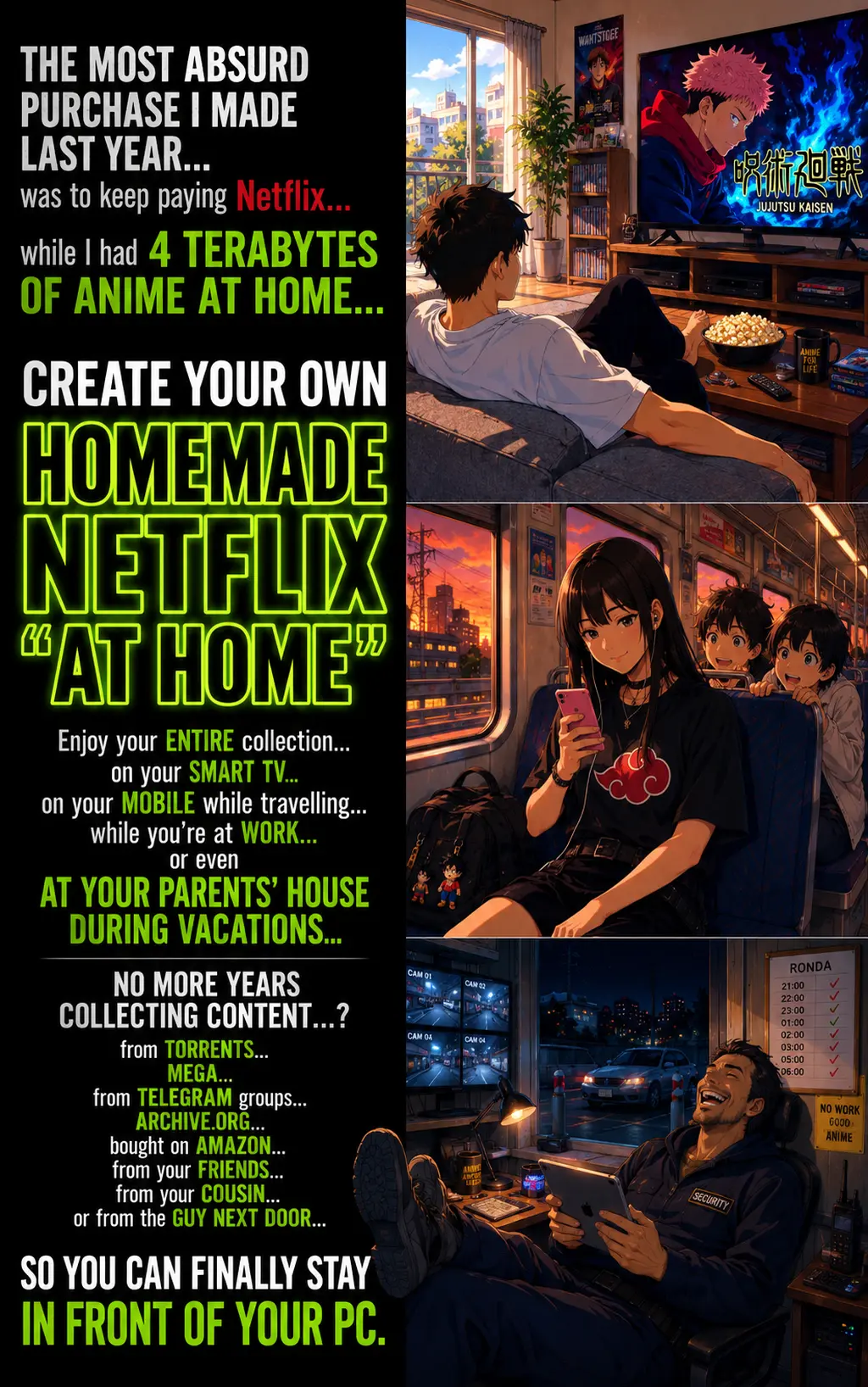
In the guide I'm selling, Create Your OWN Netflix, I explain in more detail how to set up Emby and the library you'll then open on the TV.
I talk about movies and series worth keeping..
Collections you don't want to leave forgotten on a hard drive..
And how to have them your way.
Stories, guides and products
for your collection.
Join.. or DON'T!
That's your decision.
Once.. you sign up...
2 things will happen...
The FIRST
You'll receive an email with the subject "TELL ME IT'S YOU!!"
where you'll have to confirm .. that it really is you..
The email may land in Promotions or SPAM..
if so (mark it as not SPAM)
The SECOND
Is that you'll start receiving emails from me..
In them I'll tell you about..
my adventures collecting Anime..
how I enjoy them..
and how good and bad my products or services are.
And, obviously, in them you'll be able to buy them..
What if I'm not Interested??..
in anything you write to me..
or your F*CKING products or services..
..Well then, my friend...
if you don't like...
neither what I offer you..
nor what I write to you..
Well I'm not going to force you to stay
NO DRAMA!
You'll be able to unsubscribe at any time!
It's that easy!